Eye Health Manager Portal Guide
Eye Health Manager Transitions to New Site September 12
A refreshed look. Easier navigation. Same tools you rely on.
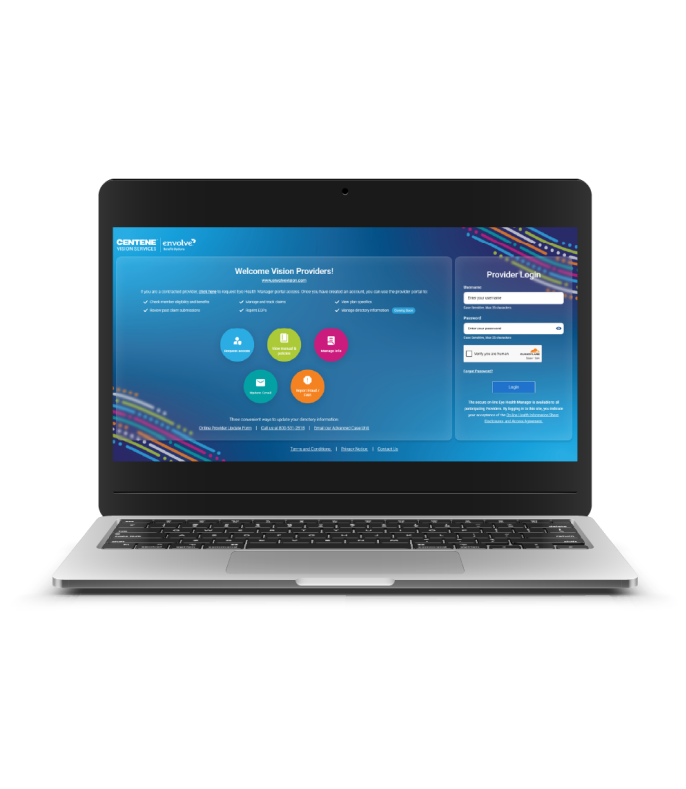
The Eye Health Manager provider portal will transition to the new platform September 12. During the pilot period, users are encouraged to use the new Eye Health Manager portal instead of the legacy site for your normal provider portal activities. Both portals contain live, real-time data. Do not submit the same information in each portal, or the process will be duplicated in error.
What you can expect:
- A cleaner, more modern design
- Simplified navigation
- Improved search and workflows
The features you rely on are not changing. You can continue using your current user ID and password to access the same core tools.
Stay tuned for more details as we prepare for launch.
Eye Health Manager Pilot Site: Questions and Feedback
We welcome feedback from providers and office staff participating in the Eye Health Manager pilot.
Have a question or want to share feedback?
Use this form to:
- Ask questions about the new experience.
- Report issues or concerns.
- Share suggestions to improve the portal experience.
Our team will review all submissions. Feedback may be used to improve future updates.
Need immediate help?
For business-related inquiries (claims, eligibility, benefits, etc.) not related to the Eye Health Manager pilot site, please continue to use your standard support channels.